

Summary
These buttons on both sides of the iPhone are designed to perform different functions, such as, turning on & off the phone, to control volume, to provide easy functions approach to the camera and many more.
Following other mobile phones, available in the market, Apple is creating the different functions of iPhone, easier and more convenient, to use and apply to control different function of the mobile phones. This process is going-on, continuously.
In recent years, the working of the mobile phones is becoming more and more complicated and tedious. So, the challenges for the Cupertino to make the iPhones functions simpler is growing, day by day.
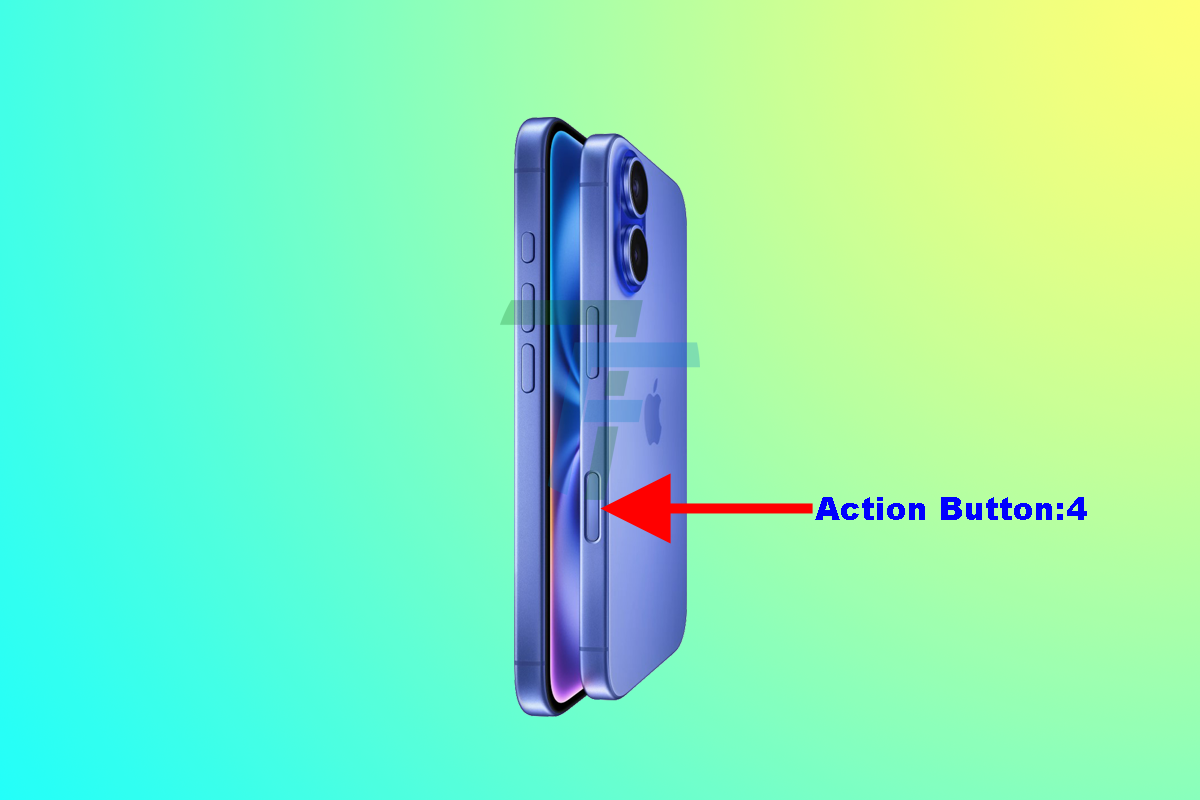
Apple iPhone 16 with Camera Control is manufactured with 4 external action buttons; 2 on right side and 2/3 on left side of the phone. These action buttons are available on all the iPhone 16 mobiles and in later models with Camera Control.
Let’s explore the simple functions of action buttons, manufactured in iPhones:
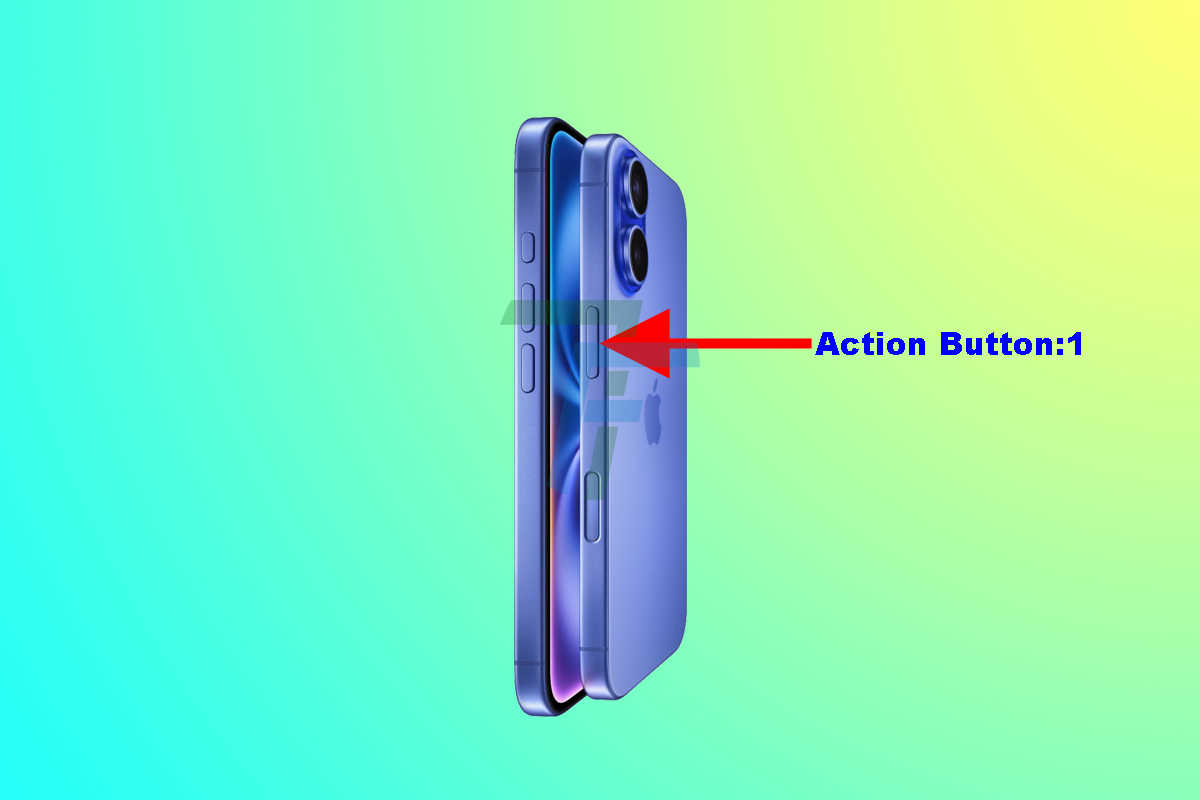
Action / Side Button 1 on Top Right-Side Button:
The upper button on the right side of the iPhone 16 is manufactured by Apple as major button for the following 3 functions for the iPhone 16:
- To turn on and off your iPhone, swiftly as iPhone 16 has not been provided with the front Home button. When the iPhone screen is turned on, its operations can be unlocked, on screen. To get it turned on, just long press the top right-side action button and the iPhone is turned on.
- To turn on it and to wake the iPhone screen, a long-press can turn on or activate Siri as well.
- You can turn off the function of screen / iPhone 16 with the help of Button 1.
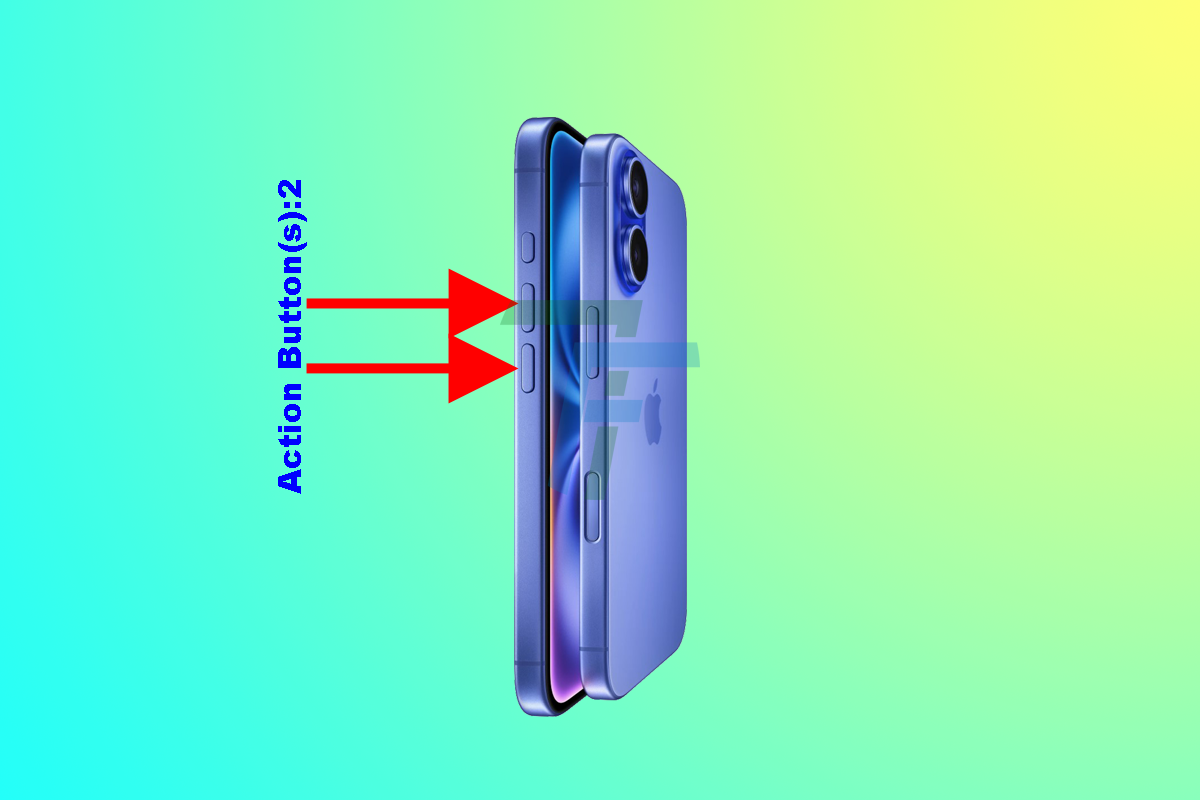
Action / Side Button 2 on Bottom Left Side Button:
Also called the Volume Buttons, these twin up/down buttons are normally used for the various purposes, such as:
- To apply as the Volume up/down buttons to adjust the ringer tone when you are not using other / media apps.
- To adjust the volume while you are on the media and listening the music, watching videos, or playing games.
- They can also be applied as physical shutter buttons instantly using camera.
- It can be used to silent incoming or unwanted calls.
- You may also use the upper button on bottom left-side action buttons at the same time in combination with the upper right-side button for taking the screenshots.
- It is also used to power off the iPhone.
- It can also be used to force-restarting the iPhone.
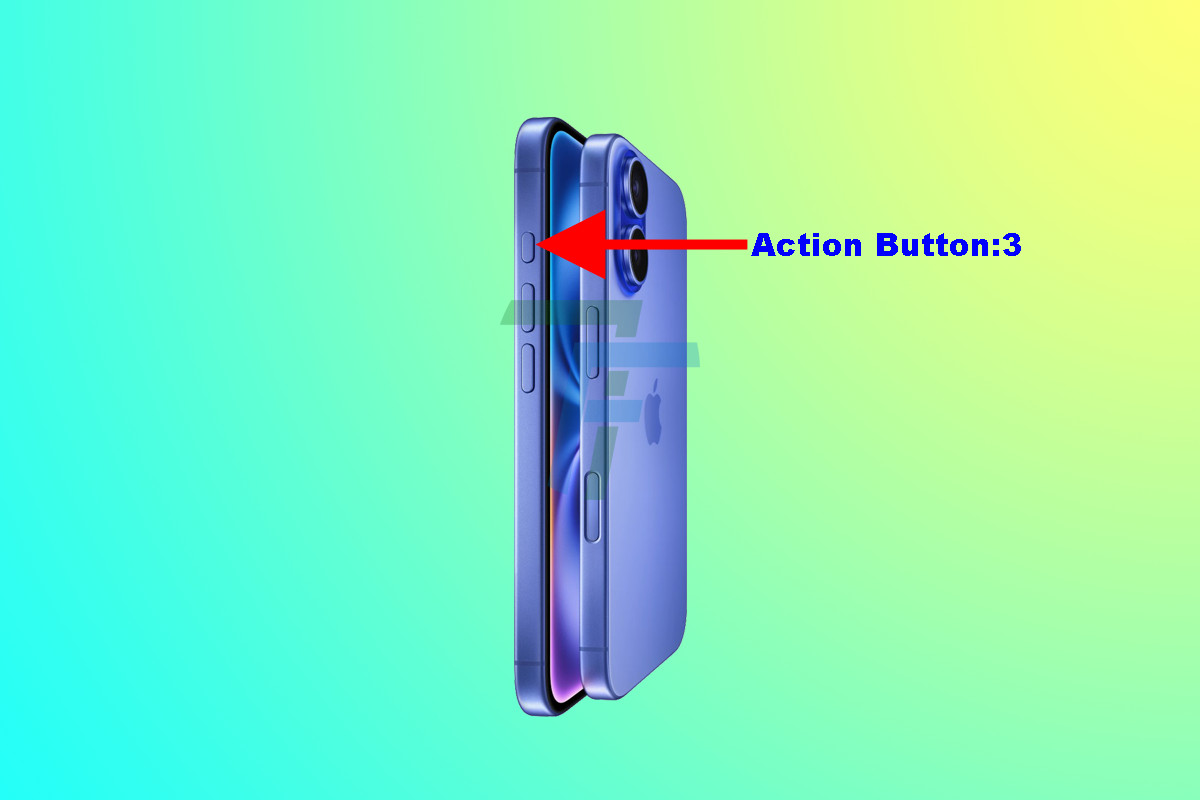
Action / Side Button 3 on Top Left Side Button:
The usage of left side button (upper button) can be decided by you; for what you want to apply this button. You may apply this button for more than 2 functions, such as:
- The major and default function of Action / Side Button 3 is to turn on Silent Mode, but, you may also apply this button for some other operations, such as:
- To open the Camera app, directly by applying this button.
- To use it to turn on the flashlight.
Action / Side Button 4 Camera Control on Bottom Right-Side Button:
Commonly, this Bottom Right-Side Button is called iPhone 16 Camera Control Button. Users can conveniently and swiftly locate it on the bottom right side of the iPhone 16.
This button is designed and manufactured by the Apple to allow users to:
- Access, quickly, to take snapshots and to make video.
This button allows the users to take photos and make videos via different tactile presses and quick swipes. It facilitates the mobile user to open the mobile camera for different functions.