

Introduction to Enhanced Power Efficiency for Safari in iOS
Battery life remains one of the most important factors for smartphone users. Whether browsing the web, streaming videos, shopping online, or reading articles, Safari is one of the most frequently used apps on the iPhone.
With iOS 27, Apple has introduced enhanced power efficiency for Safari, helping users browse longer while consuming less battery power. While this improvement may not be as noticeable as a redesigned interface or a new AI feature, it can significantly impact everyday iPhone usage.
This article explains what enhanced power efficiency means, how Apple measures it, and the benefits it brings to users.
What Is Enhanced Power Efficiency?
Enhanced power efficiency refers to Safari’s ability to perform the same browsing tasks while using less energy from the iPhone’s battery.
Apple achieves this through various software optimizations, including:
- Smarter CPU resource management
- Improved background process handling
- More efficient webpage rendering
- Reduced unnecessary network activity
- Better memory utilization
- Optimized JavaScript execution
- Improved media playback efficiency
The goal is simple: deliver a faster browsing experience while minimizing battery consumption.
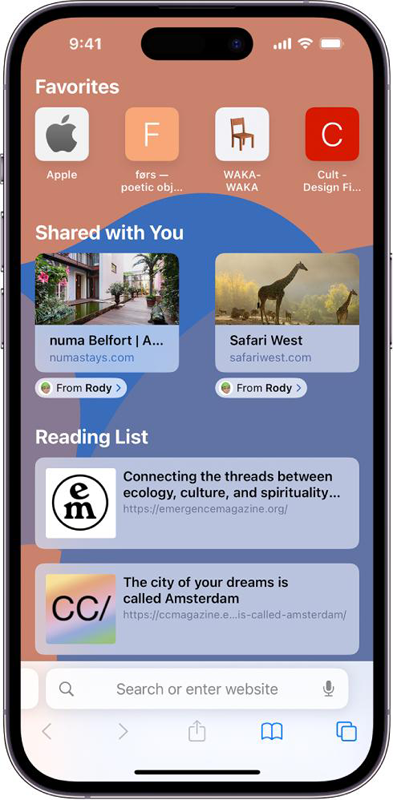
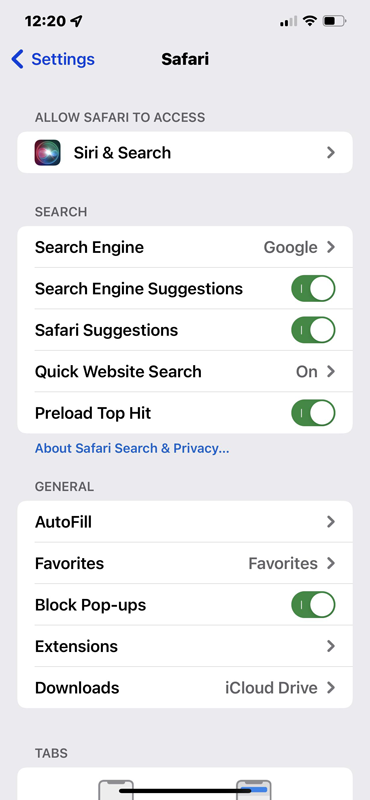
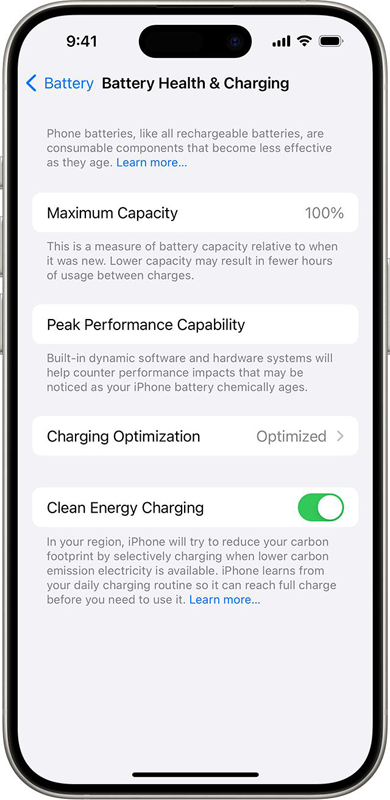
How Safari Uses Battery Power?
When you visit a webpage, Safari performs multiple tasks simultaneously:
- Downloads webpage content
- Processes JavaScript code
- Loads images and videos
- Renders page layouts
- Communicates with servers
- Synchronizes tabs and browsing data
Each of these actions consumes processing power and battery energy.
Complex websites with animations, advertisements, videos, and interactive content often require additional resources, increasing power consumption.
Enhanced power efficiency focuses on reducing the energy required for these operations.
How Apple Measures Power Efficiency?
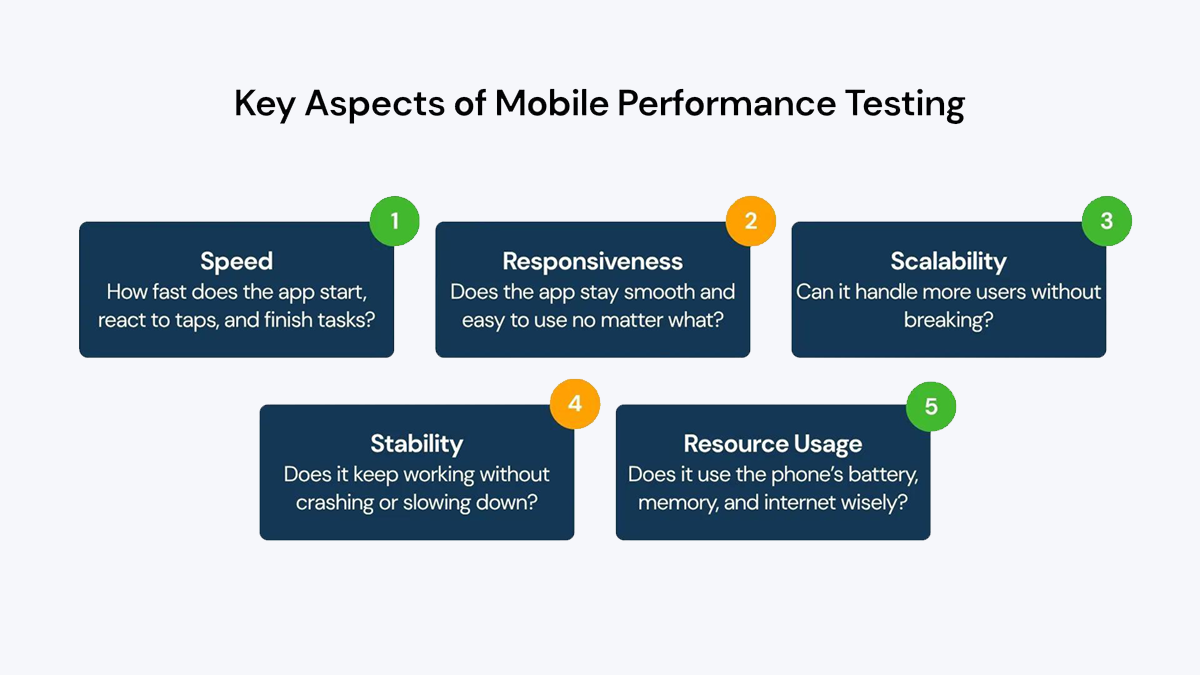
Power efficiency is typically measured using controlled testing environments.
1. Battery Consumption Tests
Engineers compare battery usage while performing identical browsing activities across different software versions.
Typical tests include:
- Loading websites repeatedly
- Streaming online video
- Scrolling social media platforms
- Reading articles
- Running web applications
Lower battery drain indicates improved efficiency.
2. Energy Impact Monitoring
Apple measures:
- CPU utilization
- GPU activity
- Memory usage
- Network activity
- Background processing
Lower resource consumption generally translates into better battery performance.
3. Real-World Usage Scenarios
Apple also evaluates Safari using everyday activities such as:
- News browsing
- Video streaming
- Online shopping
- Productivity applications
- Cloud-based services
This helps ensure improvements benefit actual users rather than only laboratory benchmarks.
Technologies Behind Enhanced Efficiency
1. Smarter JavaScript Processing
Modern websites rely heavily on JavaScript.
Safari optimizes code execution to reduce processor workload while maintaining responsiveness.
2. Improved Tab Management
Inactive tabs consume fewer resources.
Safari intelligently prioritizes active content while reducing energy usage from background tabs.
3. Efficient Video Playback
Streaming video is one of the most battery-intensive activities on smartphones.
Safari uses hardware acceleration and optimized video decoding to lower energy consumption.
4. Better Network Management
Safari minimizes unnecessary network requests and improves data handling efficiency.
Fewer network operations help reduce both power usage and data consumption.
Benefits for Users
1. Longer Battery Life
The most obvious benefit is extended battery life during web browsing.
Users can spend more time online before needing to recharge.
2. Improved Mobile Productivity
Professionals who rely on web-based applications can work longer while away from power outlets.
3. Better Travel Experience
Travelers often spend long periods using maps, booking websites, email, and online services.
Improved efficiency helps maximize battery availability during trips.
4. Reduced Device Heat
Lower processor workload typically generates less heat.
This can make the device more comfortable to use during extended browsing sessions.
5. Real-World Example
Imagine spending three hours reading articles, shopping online, checking email, and watching occasional videos.
With enhanced power efficiency, Safari may complete these tasks using less battery than previous versions of iOS.
The savings from hundreds of small optimizations accumulate throughout the day, resulting in noticeably longer battery life.
Why This Matters
As websites become increasingly sophisticated, they require more processing power than ever before.
Without efficiency improvements, battery consumption would continue to rise.
By optimizing Safari’s energy usage, Apple helps ensure that users can enjoy modern web experiences without sacrificing battery performance.

Concluding Remarks
Enhanced power efficiency for Safari in iOS 27 is an important behind-the-scenes improvement that benefits virtually every iPhone user.
Through smarter processing, optimized rendering, improved tab management, and more efficient network activity, Safari can deliver a faster browsing experience while consuming less energy.
The result is longer battery life, cooler device temperatures, smoother performance, and a better overall browsing experience—making Safari even more effective as the default browser on iPhone.