
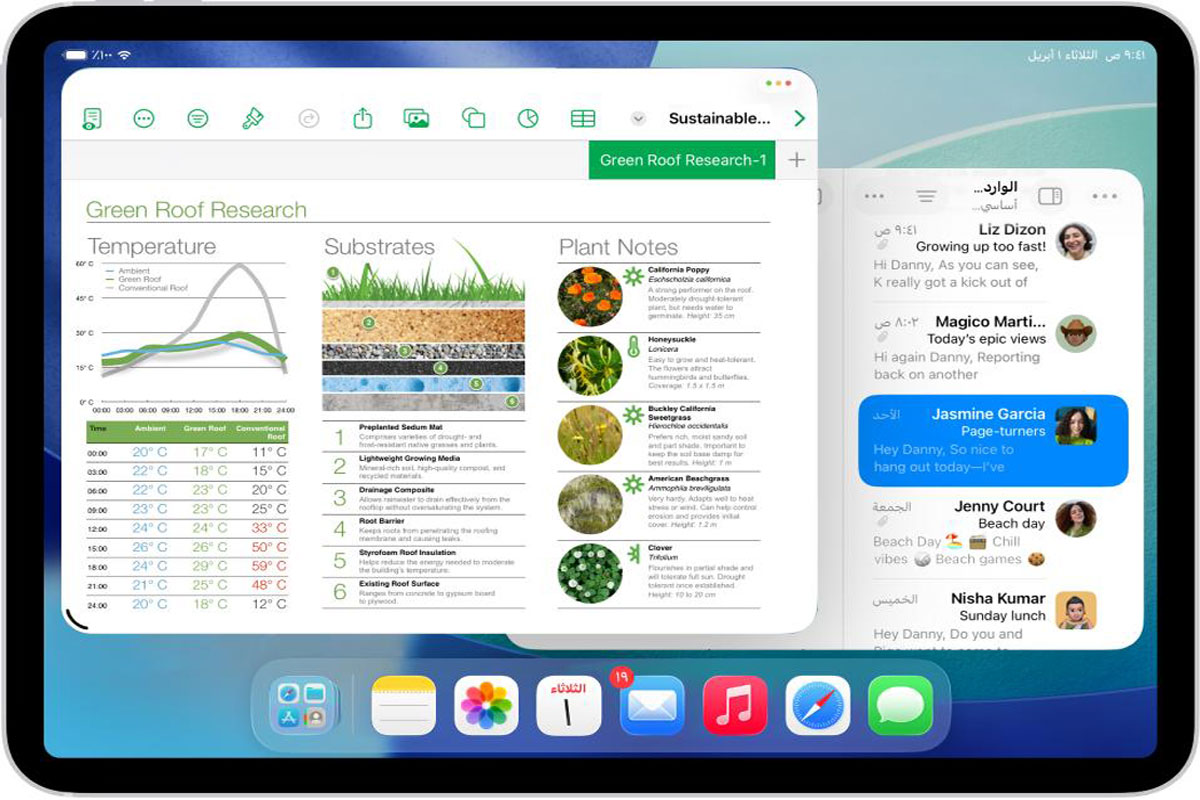

Click to Enlarge
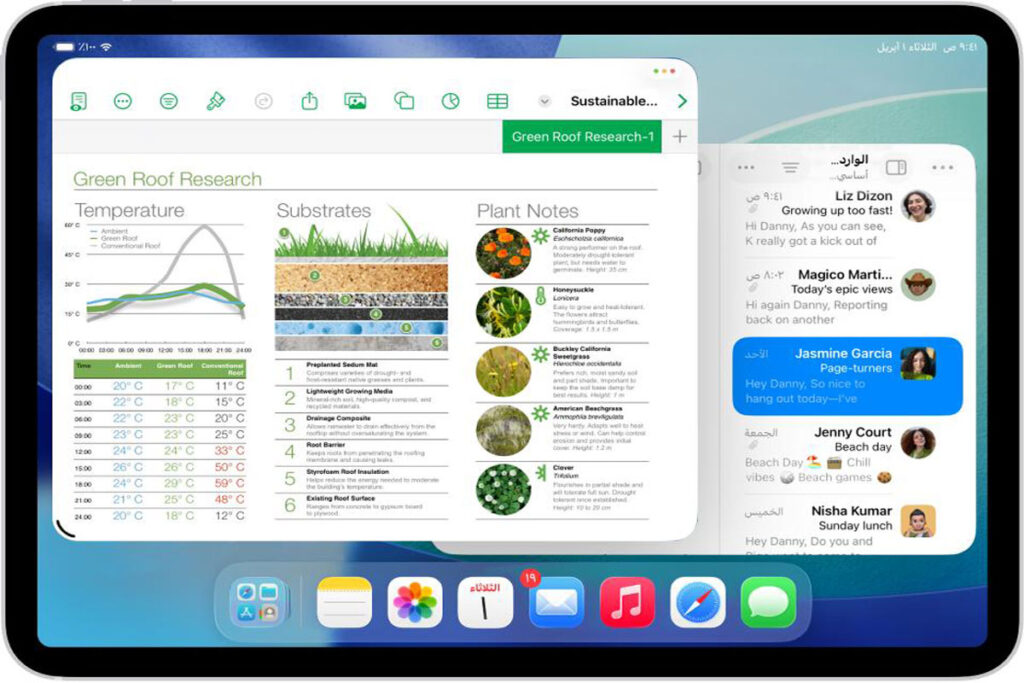
Click to Enlarge
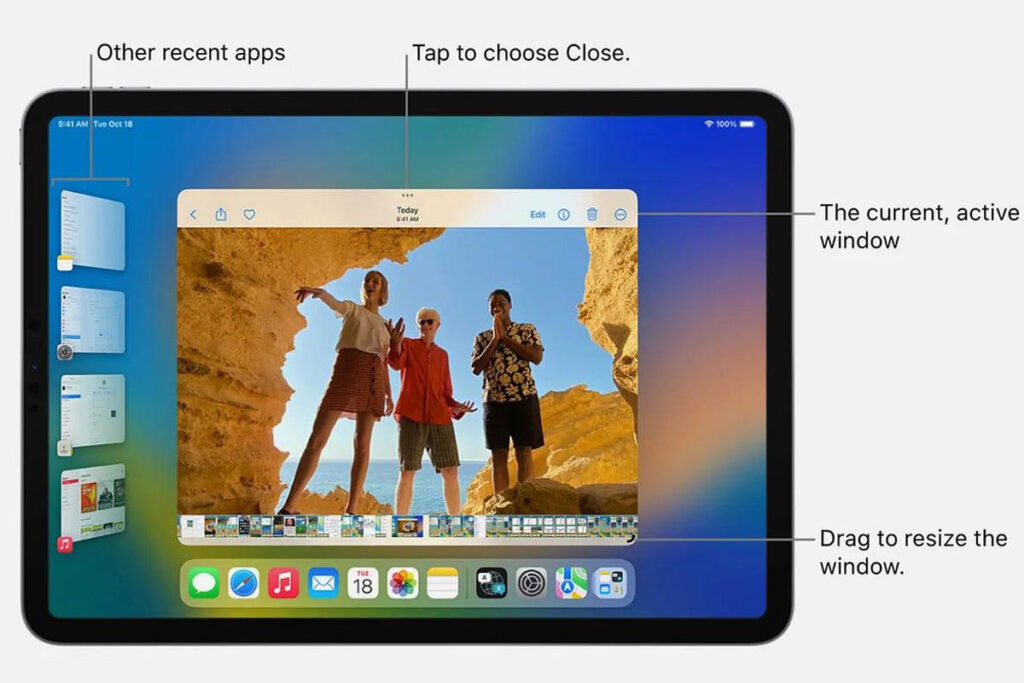
Click to Enlarge
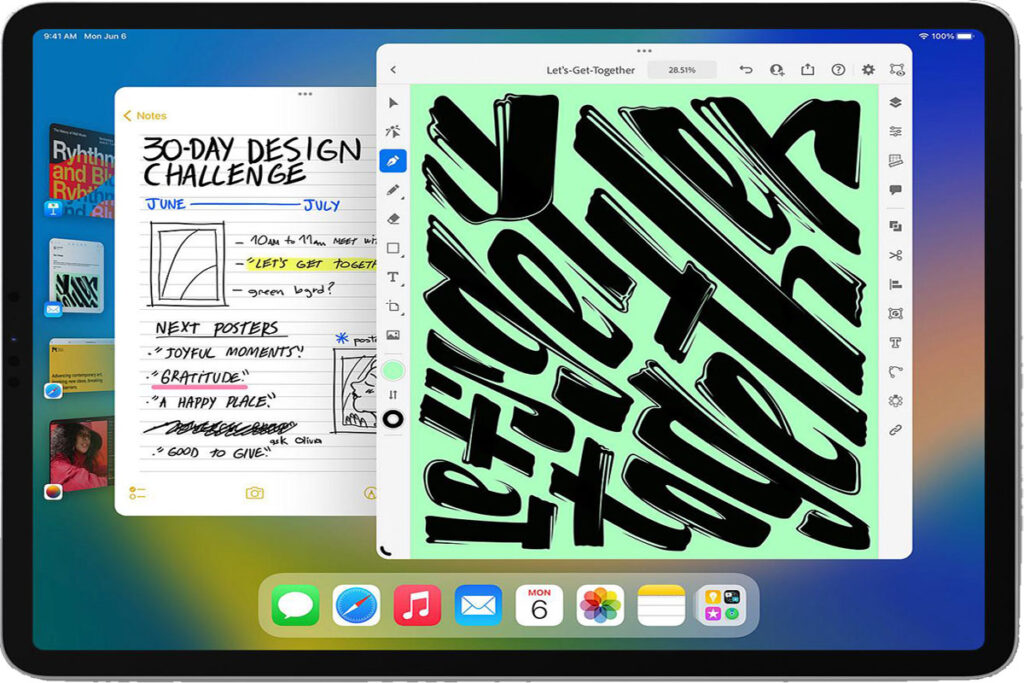
iPhone Apps Resizing in iPadOS and Its Function
Apple continues to improve the experience of running apps across its devices. One of the most useful features in iPadOS is the ability to run iPhone apps on an iPad. To make these apps look and function better on the larger display, iPadOS can intelligently resize and adapt them. This ensures that users enjoy a more comfortable and productive experience instead of viewing a small iPhone-sized window on a much larger screen.
What Is iPhone App Resizing in iPadOS?
App resizing refers to the process of automatically adjusting an iPhone app’s display when it runs on an iPad.
Instead of maintaining the exact dimensions of an iPhone screen, iPadOS can scale and adapt the interface to better utilize the larger display area.
This creates a more natural viewing experience while preserving the app’s functionality.
Why Did Apple Introduce App Resizing?
App resizing refers to the process of automatically adjusting an iPhone app’s display when it runs on an iPad.
Instead of maintaining the exact dimensions of an iPhone screen, iPadOS can scale and adapt the interface to better utilize the larger display area.
This creates a more natural viewing experience while preserving the app’s functionality.
1. Better Use of Screen Space
iPads feature significantly larger displays than iPhones. Without resizing, many iPhone apps would appear small and leave large unused areas on the screen.
Resizing allows users to see more content comfortably.
2. Improved User Experience
Larger buttons, text, and interface elements make apps easier to navigate and interact with.
This helps users enjoy a more tablet-friendly experience.
3. Greater App Compatibility
Not every developer creates a dedicated iPad version of their application.
App resizing enables iPhone-only apps to remain usable and visually appealing on iPads.
4. Enhanced Productivity
A larger app layout can improve multitasking, reading, editing, and content creation activities on iPad.
How Does iPadOS Resize iPhone Apps?
Apple uses intelligent display scaling and interface adaptation technologies.
1. Automatic Scaling
The operating system detects when an iPhone app is launched on an iPad and automatically adjusts its size.
3. Resolution Optimization
iPadOS ensures graphics, text, and controls remain sharp and readable after resizing.
4. Dynamic Window Management
Modern versions of iPadOS support flexible window sizing, allowing users to adjust app windows while maintaining usability.
Benefits of App Resizing
1. More Comfortable Viewing
Users can read text and view content without excessive zooming.
2. Better Touch Interaction
Larger interface elements improve tapping accuracy.
3. Improved Accessibility
Resized apps are often easier to use for people with visual or motor challenges.
4. Enhanced Multitasking
Apps integrate better with iPadOS multitasking features such as Split View and Stage Manager.
Examples of Apps That Benefit
Many categories of apps benefit from resizing:
- Social media apps
- Messaging applications
- Productivity tools
- Shopping apps
- Educational platforms
- Entertainment services
These apps become more practical when displayed on a larger screen.
Future of Cross-Device Apps
Apple continues to encourage developers to create adaptive interfaces that work across multiple screen sizes.
Future versions of iPadOS may further improve:
- Automatic layout adjustments
- Window customization
- Multi-device compatibility
- Responsive app design
These advancements can help create a more unified Apple ecosystem.
Last Concluding Words
iPhone app resizing in iPadOS is designed to provide a better experience when running mobile apps on a larger display. By intelligently scaling interfaces, optimizing layouts, and improving usability, Apple ensures that iPhone apps remain functional and visually appealing on iPad. This feature enhances compatibility, productivity, and user satisfaction, making the transition between iPhone and iPad smoother than ever.