

Unlocking Your iPhone Smoothly in iOS 27
Simple Procedure
Apple continues to improve the iPhone experience with every software update. In iOS 27, a smooth and reliable unlocking experience is essential for getting the most out of your device. Whether you use Face ID or a passcode, a few simple adjustments can help ensure faster and more consistent unlocking.
Step 1. Set Up Face ID Correctly
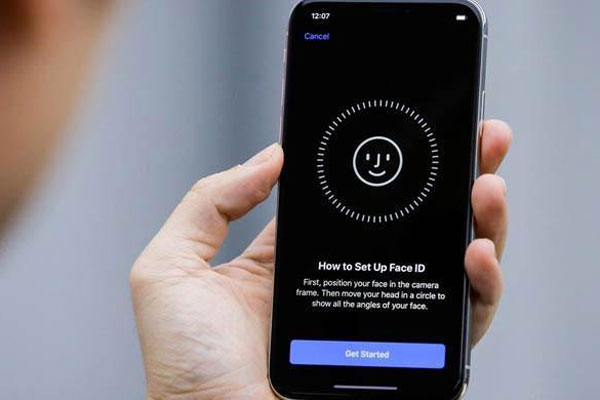
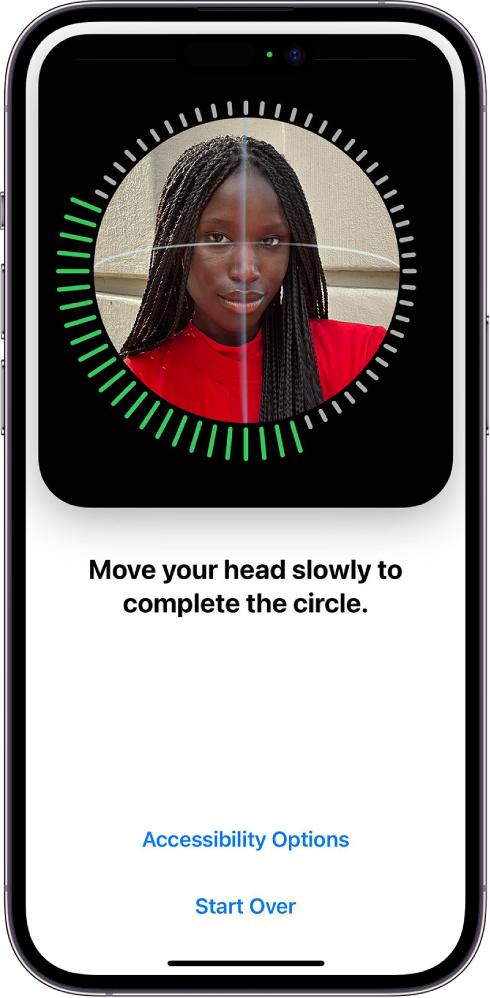
The first step toward smooth unlocking is proper Face ID setup. Apple recommends positioning your face within the frame and completing the full scan during setup. You can also add an alternate appearance if you frequently wear glasses or change your look.
A well-configured Face ID system improves recognition accuracy and reduces failed unlock attempts.
Step 2. Keep the TrueDepth Camera Clean
Dust, fingerprints, or smudges on the front camera area can interfere with Face ID performance. Regularly cleaning the TrueDepth camera system helps maintain fast and reliable authentication.
Step 3. Reset Face ID if Unlocking Feels Slow
Many users have reported improved Face ID responsiveness after resetting and reconfiguring Face ID. If unlocking becomes slower after a software update, resetting Face ID can often resolve recognition issues.
To do this:
- Open Settings.
- Tap Face ID & Passcode.
- Select Reset Face ID.
- Set up Face ID again.
Step 4. Enable Face ID With a Mask When Needed
If you regularly wear a face mask, enabling Face ID with a Mask can improve convenience. Apple allows compatible iPhones to recognize the area around your eyes for authentication while maintaining security.
Step 5. Hold Your iPhone Properly
Face ID works best when the iPhone is in portrait orientation and positioned naturally in front of your face. Keeping the device at a comfortable viewing distance can help achieve quicker recognition.
Step 6. Keep iOS Updated
Apple frequently releases updates that improve performance, security, and Face ID reliability. Installing the latest version of iOS 27 can help ensure the smoothest possible unlocking experience. Users have reported that software updates can significantly affect Face ID performance, both positively and negatively.
Concluding Remarks
Smooth unlocking in iOS 27 starts with proper Face ID setup, a clean TrueDepth camera, and regular software updates. By following these simple tips, users can enjoy faster access to their apps, messages, and content while maintaining the high level of security that Apple is known for. A few minutes of optimization can make every unlock feel instant and effortless.