

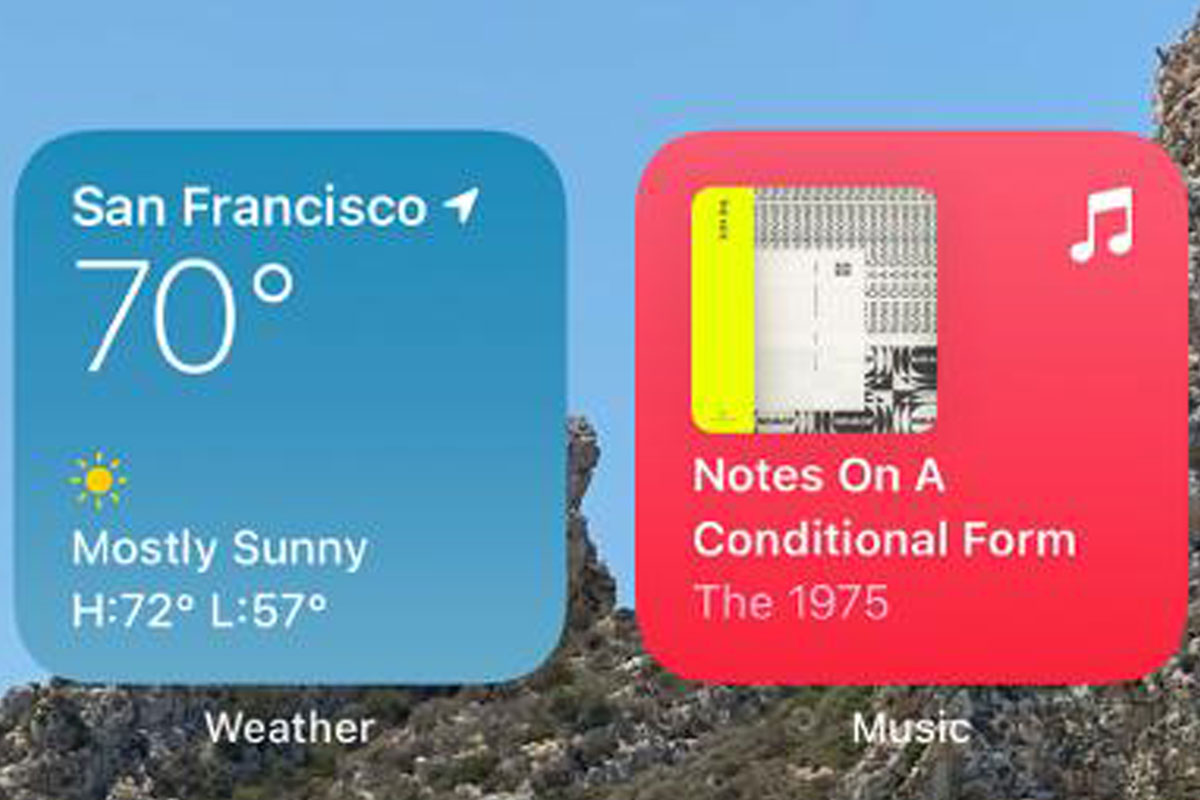
Extra-Large Widgets in iOS 27
Apple has continuously expanded the capabilities of widgets since their introduction to the iPhone Home Screen. With iOS 27, one of the most talked-about interface enhancements is the introduction of Extra-Large Widgets. These widgets are designed to provide more information at a glance while making the Home Screen more useful, personalized, and interactive.
What Are Extra-Large Widgets?
Extra-Large Widgets are an expanded widget format that occupies more screen space than traditional small, medium, or large widgets. Their increased size allows apps to display additional content, richer visuals, and more actionable information directly on the Home Screen.
Instead of opening an app to view details, users can see a broader range of information immediately through the widget itself.
Examples may include:
- Extended weather forecasts
- Larger calendar schedules
- Detailed fitness statistics
- Expanded news summaries
- Smart home controls
- Productivity dashboards
Why Did Apple Create Extra-Large Widgets?
The primary goal behind Extra-Large Widgets is to make information more accessible without requiring users to open multiple apps.
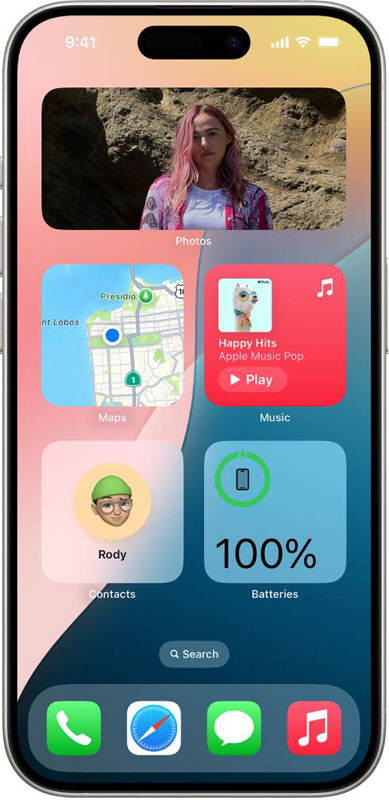
1. Better Information Visibility
Larger widgets can display significantly more content than traditional widget sizes. Users can quickly check important information without additional taps or navigation.
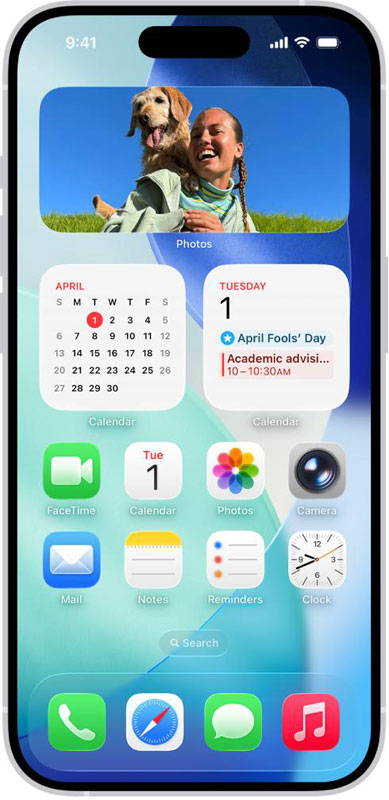
2. Improved Productivity
By placing more useful information directly on the Home Screen, users can save time and accomplish everyday tasks more efficiently.
For example, a productivity widget could display upcoming meetings, reminders, and tasks simultaneously.
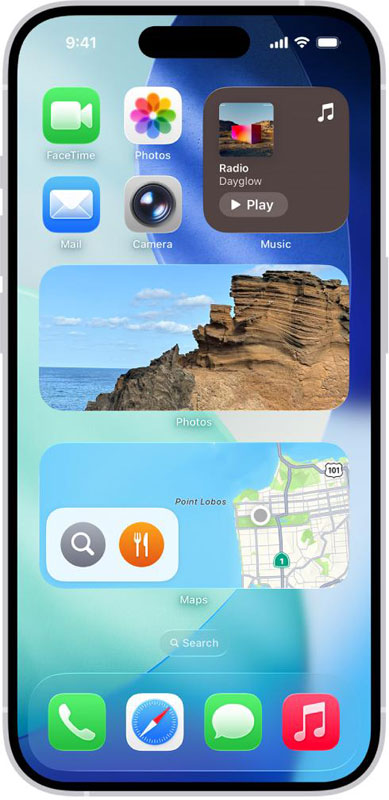
3. Enhanced Personalization
Apple continues to focus on customization. Extra-Large Widgets allow users to design Home Screens that reflect their priorities, whether they are focused on work, fitness, entertainment, or smart home management.
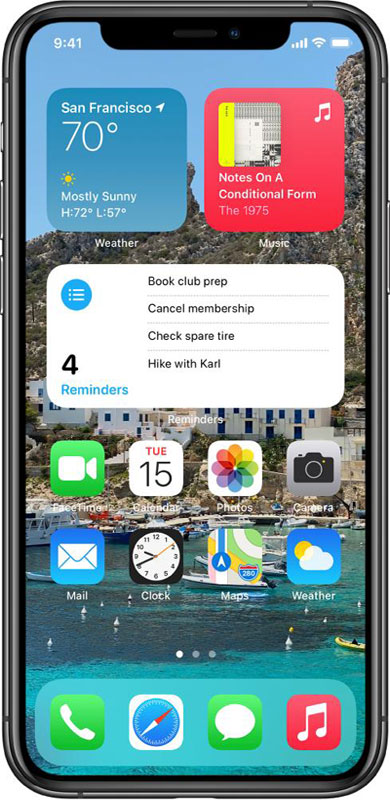
4. Better Use of Larger Displays
Modern iPhones feature larger and higher-resolution displays than ever before. Extra-Large Widgets take advantage of this additional screen space by presenting richer content in a visually appealing way.
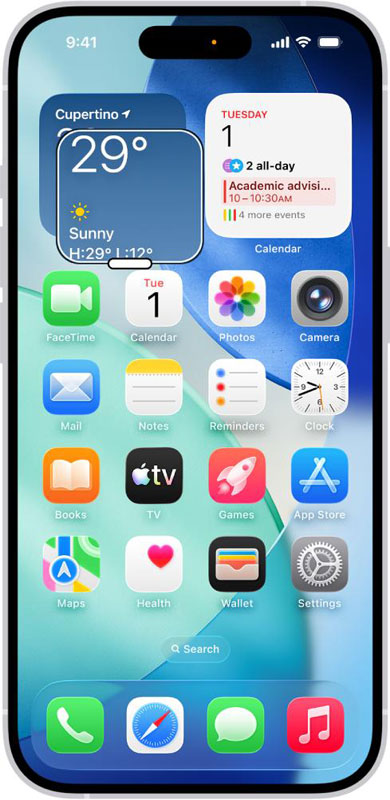
5. Reduced App Switching
One of the biggest benefits of larger widgets is minimizing the need to constantly open and close apps. Important information remains visible, helping users stay informed and productive throughout the day.
Benefits for Everyday Users
Extra-Large Widgets can improve the overall iPhone experience by:
- Providing instant access to important information
- Reducing screen clutter through consolidated content
- Improving productivity and task management
- Offering a more personalized Home Screen layout
- Making larger iPhone displays more useful
These advantages can help users interact with their devices more efficiently while maintaining a clean and organized interface.
Potential Use Examples
1. Weather Dashboard
Users can view hourly forecasts, temperature trends, and severe weather alerts within a single widget.
2. Health and Fitness Tracking
Fitness enthusiasts can monitor daily activity, workouts, calories burned, and health metrics without launching an app.
3. Smart Home Management
Home automation controls can be displayed in one place, allowing quick access to lights, cameras, thermostats, and security systems.
4. Work and Productivity
Professionals can view schedules, deadlines, tasks, and project updates directly from the Home Screen.
Concluding Remarks
Extra-Large Widgets in iOS 27 represent Apple’s continued effort to make the iPhone more informative, productive, and customizable. By displaying more content directly on the Home Screen, these widgets reduce app switching, improve visibility, and help users access important information faster. As iPhone displays continue to evolve, Extra-Large Widgets may become one of the most practical and user-friendly additions to the iOS experience.