

A Smarter Dynamic Island Experience in iOS 27
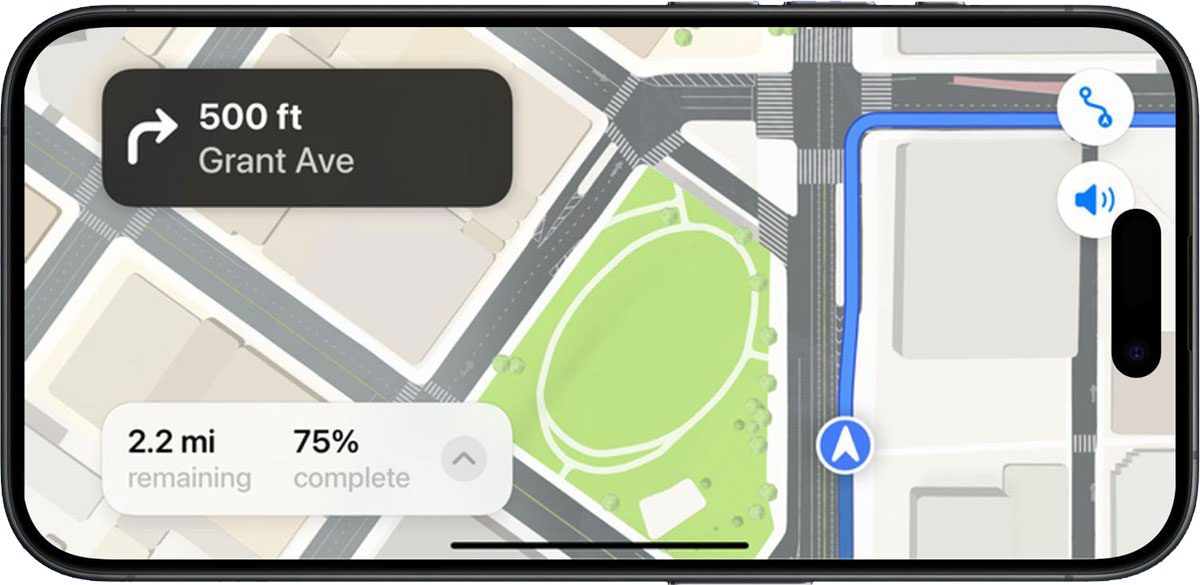
One of the lesser-known but highly useful enhancements introduced in iOS 27 is support for Live Activities in Dynamic Island while the iPhone is in landscape orientation.
Before iOS 27, Dynamic Island was primarily optimized for portrait use. When users rotated their iPhone while watching videos, gaming, navigating, or charging in landscape mode, Live Activities were often less visible or limited in functionality.
With iOS 27, Apple has expanded Dynamic Island support so that Live Activities remain visible and useful in both portrait and landscape orientations, making it easier to track important information regardless of how you hold your iPhone. Apple confirmed this improvement during its WWDC26 developer sessions.
What Are Live Activities?
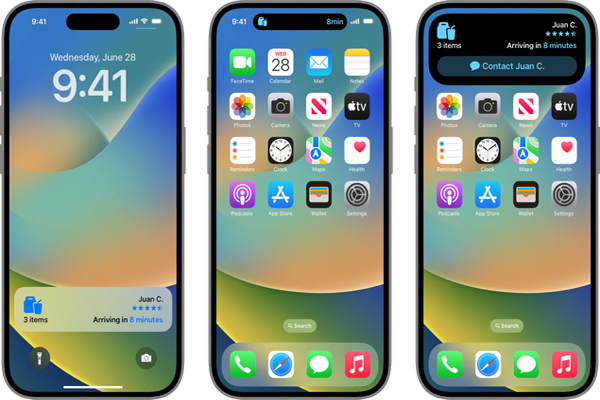
Live Activities are real-time notifications that continuously update while an event is in progress.
Examples include:
- Sports scores
- Food delivery tracking
- Ride-sharing updates
- Flight information
- Workout tracking
- Timers and countdowns
- Navigation directions
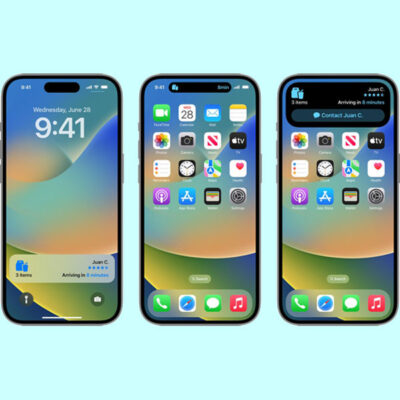
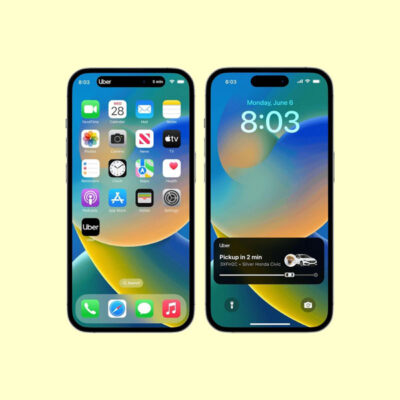
Unlike traditional notifications, Live Activities stay visible and update automatically without requiring users to repeatedly open an app. They appear on the Lock Screen and within Dynamic Island.
Before iOS 27
When an iPhone was rotated into landscape orientation:
- Dynamic Island functionality was limited.
- Some Live Activities displayed minimal information.
- Users often had to return to portrait mode for a better view.
With iOS 27
Apple now allows Live Activities to remain visible and active while using the iPhone in landscape mode.
Benefits include:
- Better visibility while watching videos.
- Improved navigation tracking.
- Easier workout monitoring.
- Enhanced gaming experiences.
- Continuous access to delivery and travel updates.
The update creates a more consistent experience regardless of screen orientation.
How Live Activities Work?
Step 1: Activity Begins
A supported app starts a Live Activity.
Examples:
- Ordering food.
- Starting a workout.
- Tracking a sports game.
- Beginning navigation.
Step 2: Dynamic Island Displays Information
The Dynamic Island automatically shows key details such as:
- Remaining delivery time.
- Current game score.
- Navigation instructions.
- Timer countdown.
Step 3: Real-Time Updates
As information changes, the Live Activity updates automatically without reopening the app.
Step 4: Expanded View
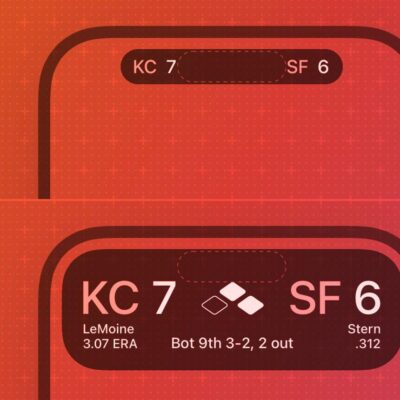
Users can tap or press and hold the Dynamic Island to reveal additional details and controls.
This expanded view provides richer information while keeping the interface compact.
Popular Examples
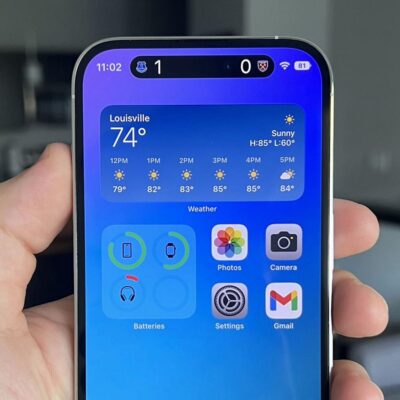
1. Sports Tracking
Users can tap or press and hold the Dynamic Island to reveal additional details and controls.
This expanded view provides richer information while keeping the interface compact.
2. Food Delivery
Track your order in real time.
Users can see:
- Driver location
- Estimated arrival time
- Delivery status
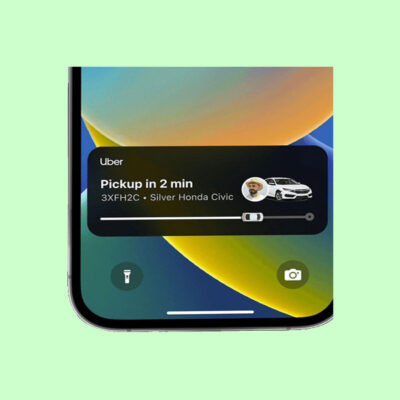
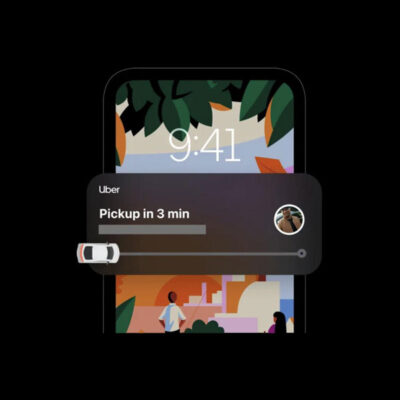
3. Ride Sharing
Monitor an approaching ride without opening the app.
4. Fitness Workouts
View workout progress, timers, and activity information while exercising.
5. Navigation
Receive turn-by-turn guidance while using other apps.
Multiple Live Activities
Dynamic Island can display more than one Live Activity simultaneously.
For example:
- Music playback
- Active timer
- Sports score
- Delivery tracking
Users can switch between activities and view updates without interrupting their current task.
Why Landscape Support Matters
Landscape orientation is commonly used for:
- Watching movies
- Gaming
- Driving with navigation
- Charging in StandBy mode
- Following live events
By bringing Live Activities fully into landscape mode, Apple ensures that users remain connected to important information without changing how they hold their device.
Why Landscape Support Matters
Landscape orientation is commonly used for:
- Watching movies
- Gaming
- Driving with navigation
- Charging in StandBy mode
- Following live events
By bringing Live Activities fully into landscape mode, Apple ensures that users remain connected to important information without changing how they hold their device.
Concluding Remarks
Live Activities in Dynamic Island landscape mode represent a practical but meaningful improvement in iOS 27. By extending real-time updates beyond portrait orientation, Apple makes Dynamic Island more useful for navigation, entertainment, productivity, fitness, and everyday tasks.
Whether you’re tracking a flight, following a sports match, monitoring a workout, or waiting for a food delivery, Live Activities now stay visible and informative even when your iPhone is used horizontally, delivering a more seamless and immersive user experience.