

Android 4.4 Kitkat comes with the data counter which lets you view the data usage of your data connection as well as Wi-Fi networks. Data usage counter for mobile networks is usually available under ‘Data usage’ but, the same data usage option can show you the Wi-Fi usage. This option can be very useful while trying to conserve your data or while using a connection with limited usage.
If you want to track the Wi-Fi usage on your Android 4.4 Kitkat device then, you are at right place. You just have to enable the Wi-Fi usage counter and you will be able to see the complete usage of Wi-Fi of that particular device.
Follow the instructions to enable Wi-Fi usage easily in seconds.
Instructions:
-
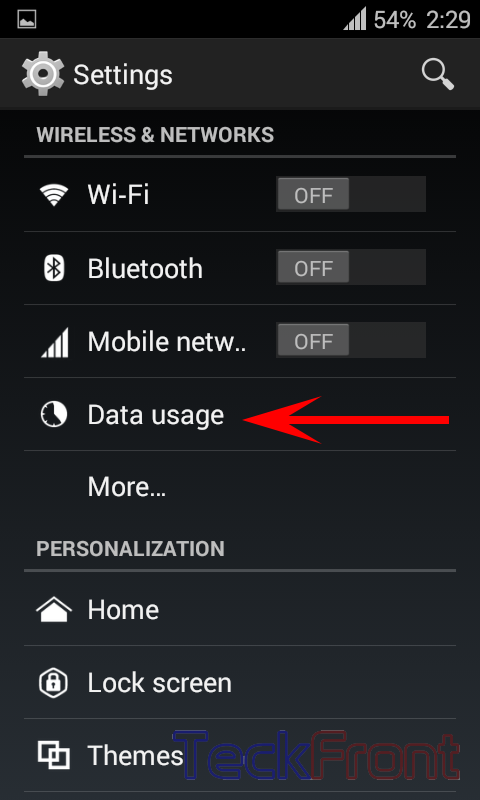
First of all, launch ‘Settings’ and press ‘Data usage’.
-
Your ‘Data usage’ options will open. Here press the settings button on your phone or screen if you are using a device with on-screen buttons. You will see the ‘Show Wi-Fi usage’. Check it.

-
You will get the ‘Wi-Fi’ tab in ‘Data usage’ section. Press it.

-
That’s all! You can now see the data usage of your phone over Wi-Fi.
You may visit our Tips & Tweaks section for more tips, tricks and tweaks about Android.