


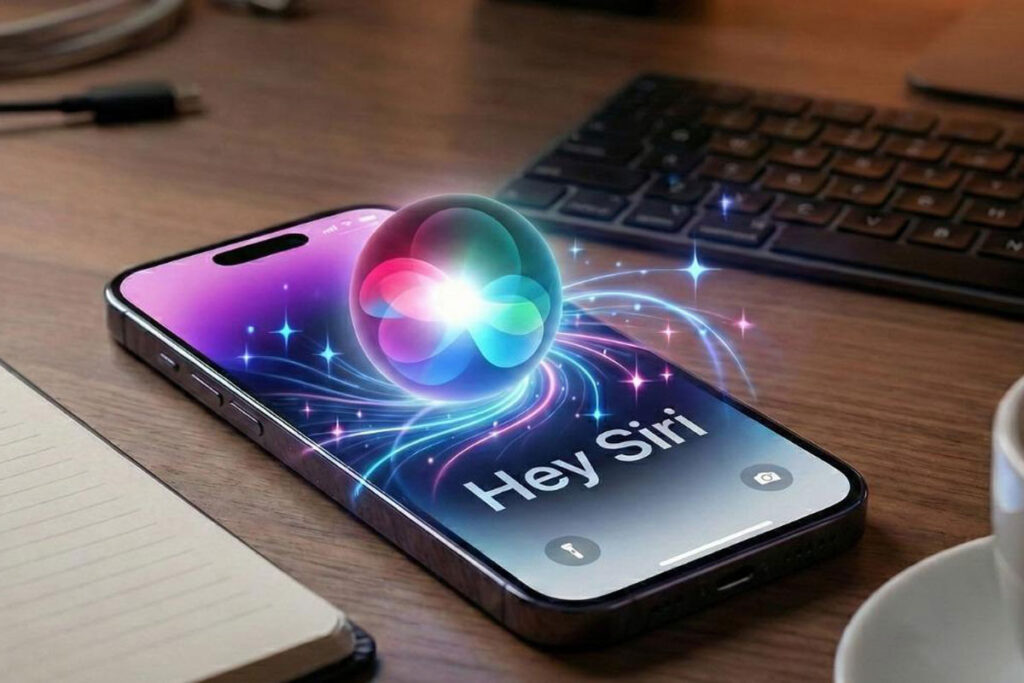
Working with New Siri Work on iPhone 18 Pro Step by Step? Rumors
Apple is expected to introduce the biggest Siri upgrade since the assistant first launched. According to recent leaks, Siri on the iPhone 18 Pro could evolve from a simple voice assistant into a full AI-powered companion capable of understanding context, managing tasks across apps, and holding natural conversations.
Let’s go through the process, step by step:
Step 1: Activate Siri
Users can activate Siri by saying “Hey Siri,” pressing the Side Button, or tapping a new Dynamic Island Siri interface. Instead of taking over the entire screen, Siri may appear as a compact interactive panel at the top of the display.
Step 2: Ask Anything Naturally
Rather than using short commands, users may be able to speak naturally.
Example:
“Plan my three-day trip to Dubai next month, find flights, and create a reminder to book hotels.”
The new Siri is expected to understand the entire request without needing separate commands.
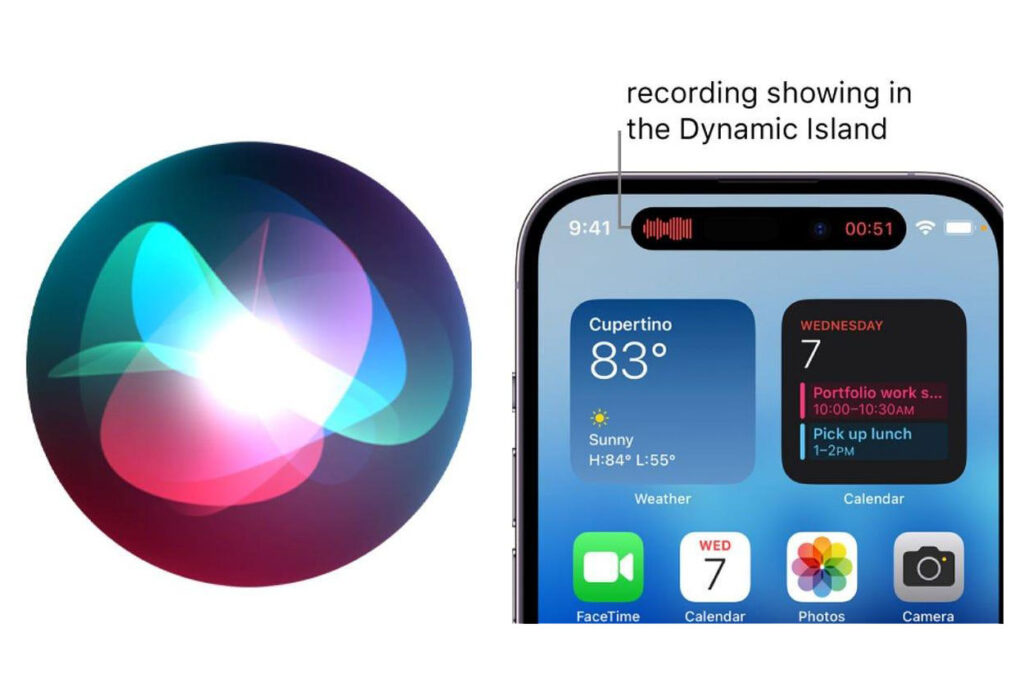
Step 3: Siri Understands Context
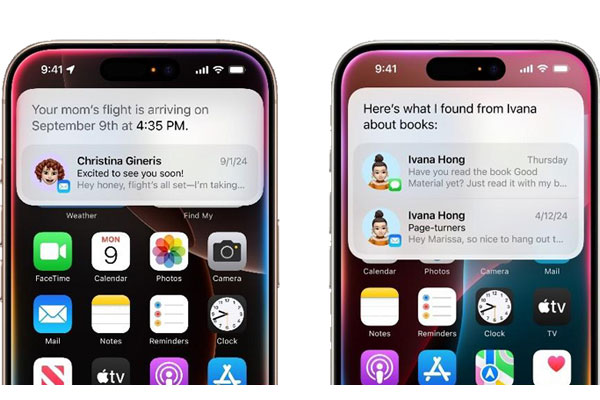
One of the most anticipated upgrades is contextual awareness. Siri may understand information from Messages, Mail, Calendar, Notes, and Photos while respecting privacy controls.
Example:
“Show me the restaurant John mentioned yesterday.”
Siri could automatically locate the conversation and provide relevant results.
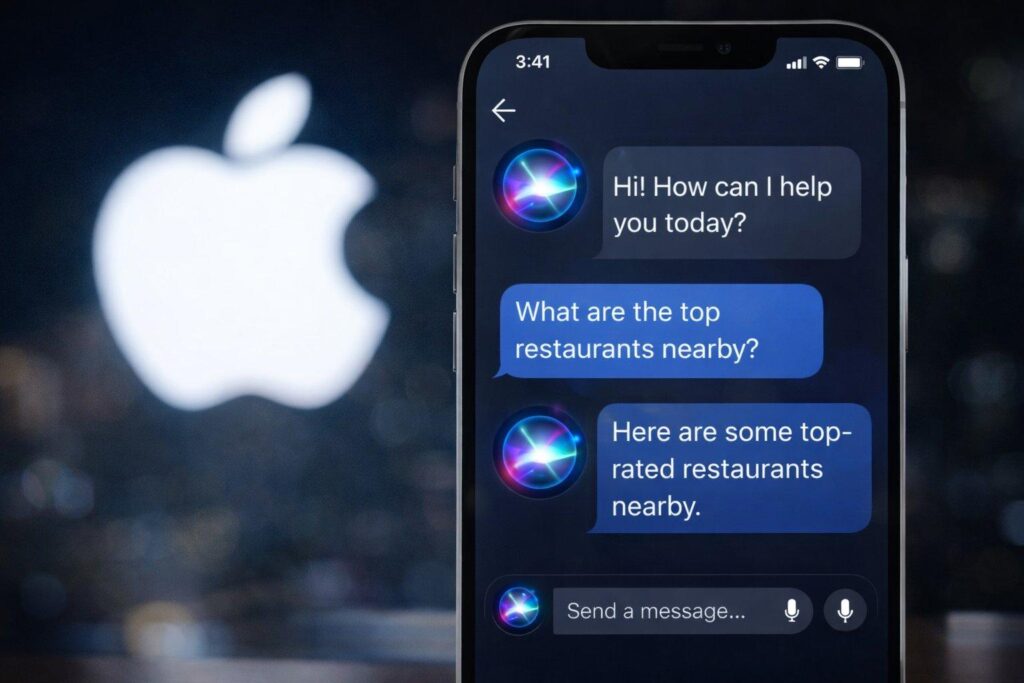
Step 4: Smart Multi-App Actions
The upgraded Siri may perform actions across multiple apps simultaneously.
Example:
“Send today’s presentation to my team and schedule a meeting for tomorrow morning.”
Instead of opening apps manually, Siri could complete the workflow automatically.
Step 5: Visual Intelligence
Leaks suggest Siri may analyze on-screen content and camera views.
Example:
Point the camera at a product and ask:
“What is this and where can I buy it?”
Siri could identify the object and provide information instantly.
Step 6: Style Conversations
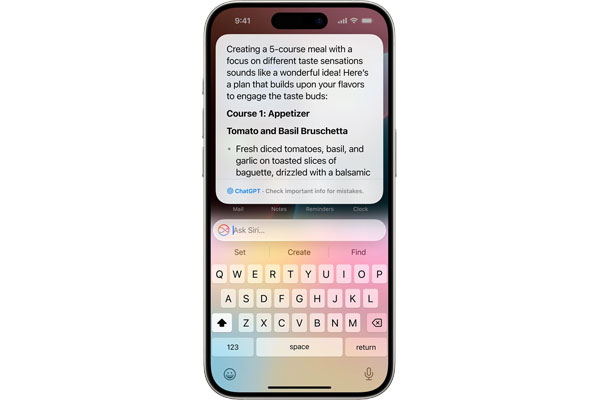
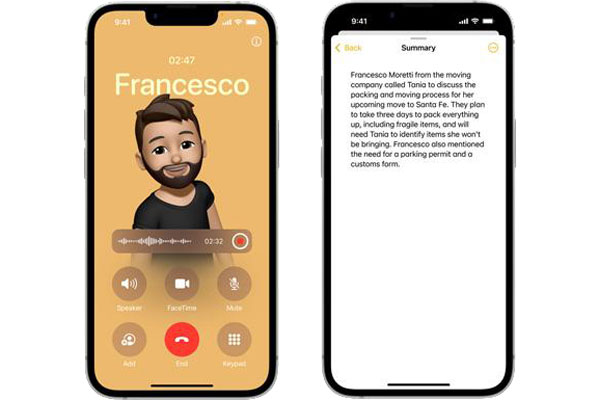
Reports indicate Siri could include a dedicated chat interface similar to modern AI assistants. Users may continue conversations, ask follow-up questions, and receive detailed responses in a chat format.
Step 7: Apple Intelligence Assistance
The new Siri may help write emails, summarize documents, edit photos, create images, and automate complex tasks using Apple Intelligence.
Example:
“Summarize this PDF and email the key points to my manager.”
Siri could complete the task in seconds.

The Future of Siri
If these reports prove accurate, Siri on iPhone 18 Pro will become much more than a voice assistant. It could function as a personal AI agent capable of understanding context, completing workflows, and interacting naturally through voice, text, and visual inputs. Apple is expected to reveal more details during WWDC 2026.